Happ
Add your link, choose a profile, and connect. Use it if the app is available in your App Store.
Open Happ in the App Store ↗Happ website ↗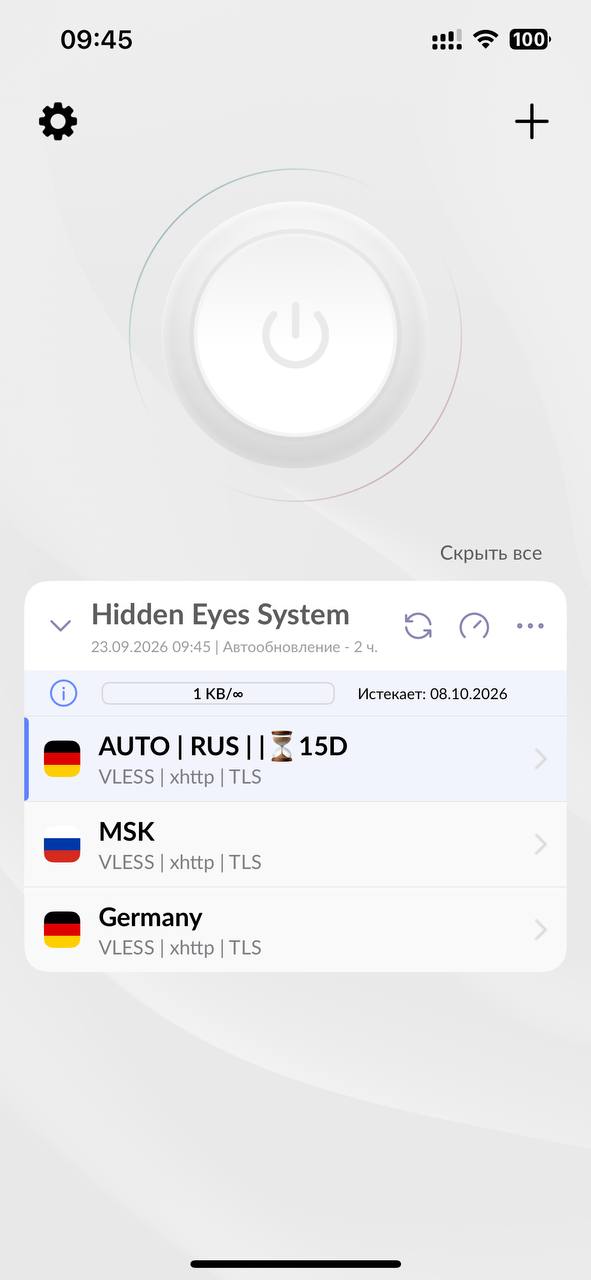
Setup guide · iPhone
Add your HES VPN by Hidden Eyes System subscription link to a compatible iPhone app and turn on a profile. Incy’s link below opens the US App Store; availability depends on your Apple Account country. If Incy is already installed, the Russian-store download issue alone does not mean it is broken.
For an iPhone in Russia, first check Wrabbit Proxy in the Russian App Store (iOS 16+). If Incy is already installed, you can keep using its subscription import.
First, get your link
Sign in after your subscription is issued. The account is available in English.
Your personal link is copied to the iPhone clipboard.
Recommended app · iOS and iPadOS 15+
Open the app’s App Store listing. After installing it, return to these steps.
The screenshots show Incy on iPhone with its interface in Russian; these same subscription-import steps also apply on Android.
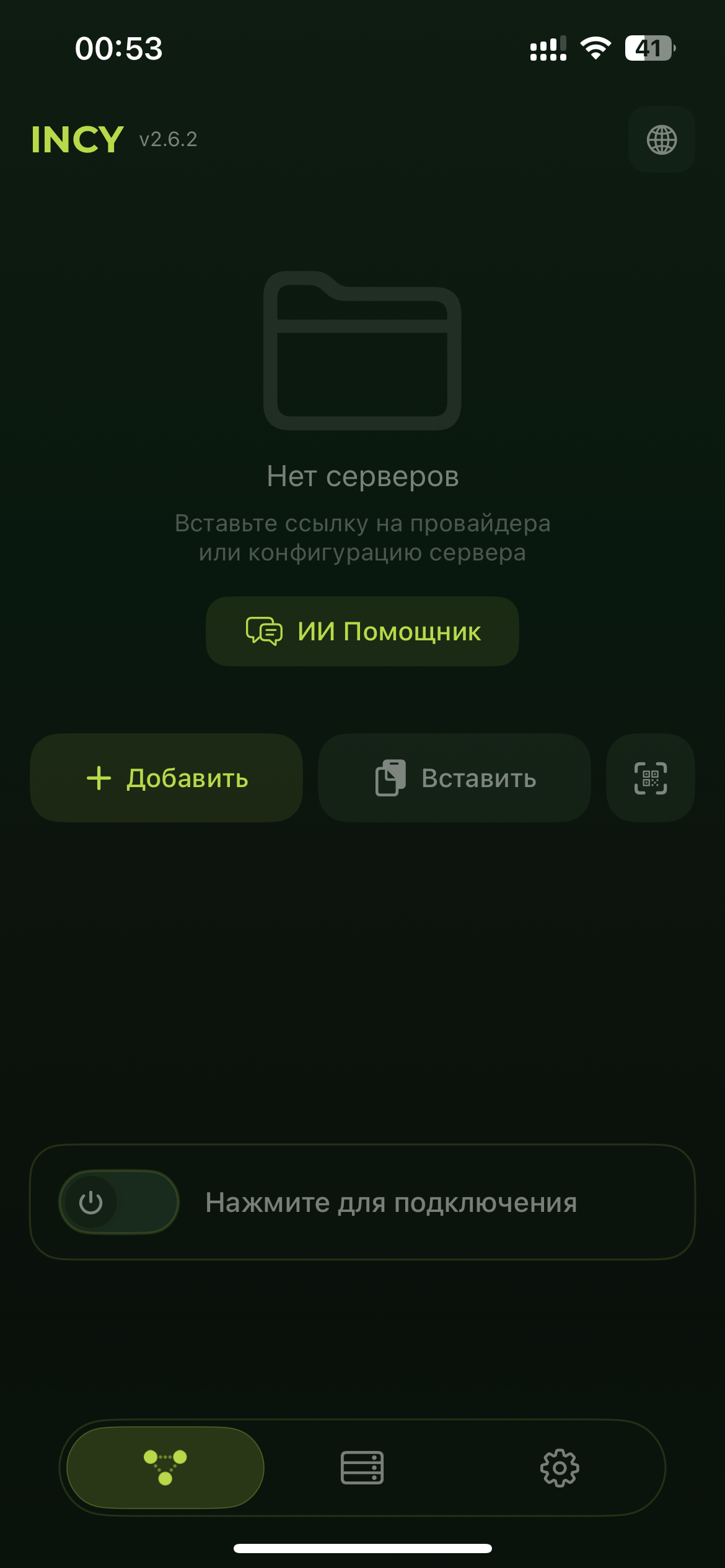
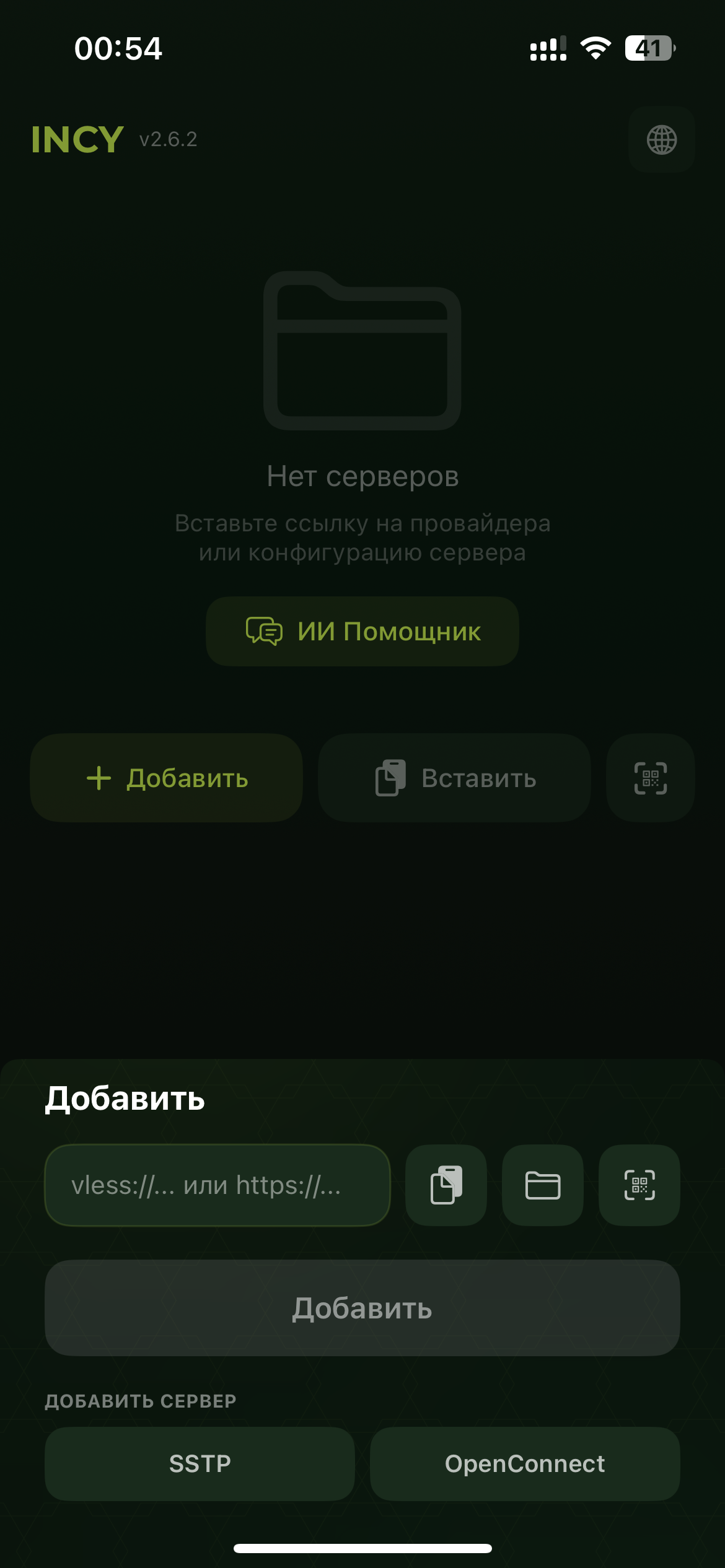
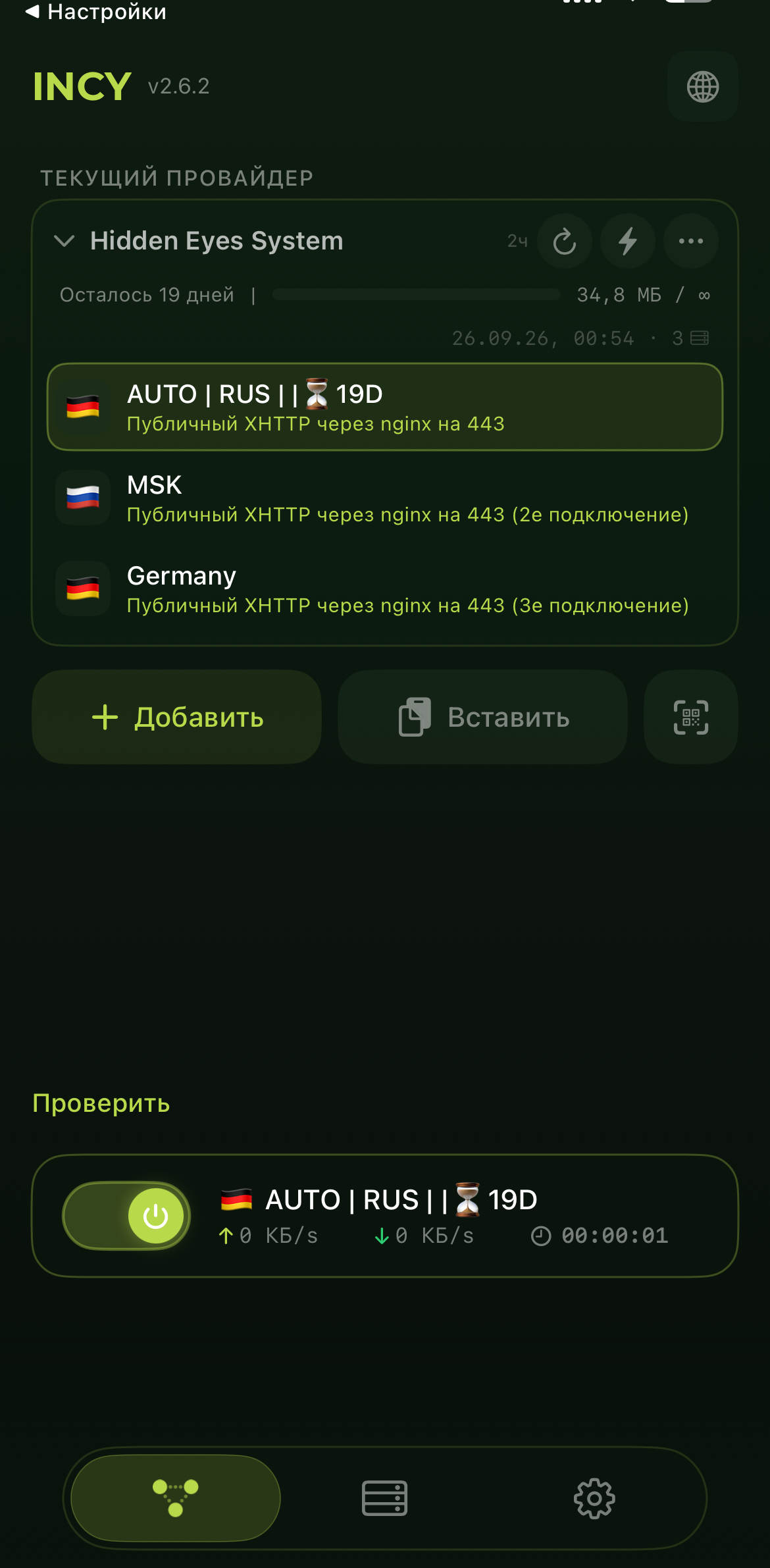
This link opens the US App Store listing; download and update availability depends on your Apple Account country. The Russian-store restriction concerns downloading Incy and does not mean an installed app is broken. Learn what to consider before changing your App Store country.
Other iPhone options
Add your link, choose a profile, and connect. Use it if the app is available in your App Store.
Open Happ in the App Store ↗Happ website ↗Another way to import your link on iPhone. Requires iOS 16 or later.
Open Wrabbit Proxy in the App Store ↗Wrabbit website ↗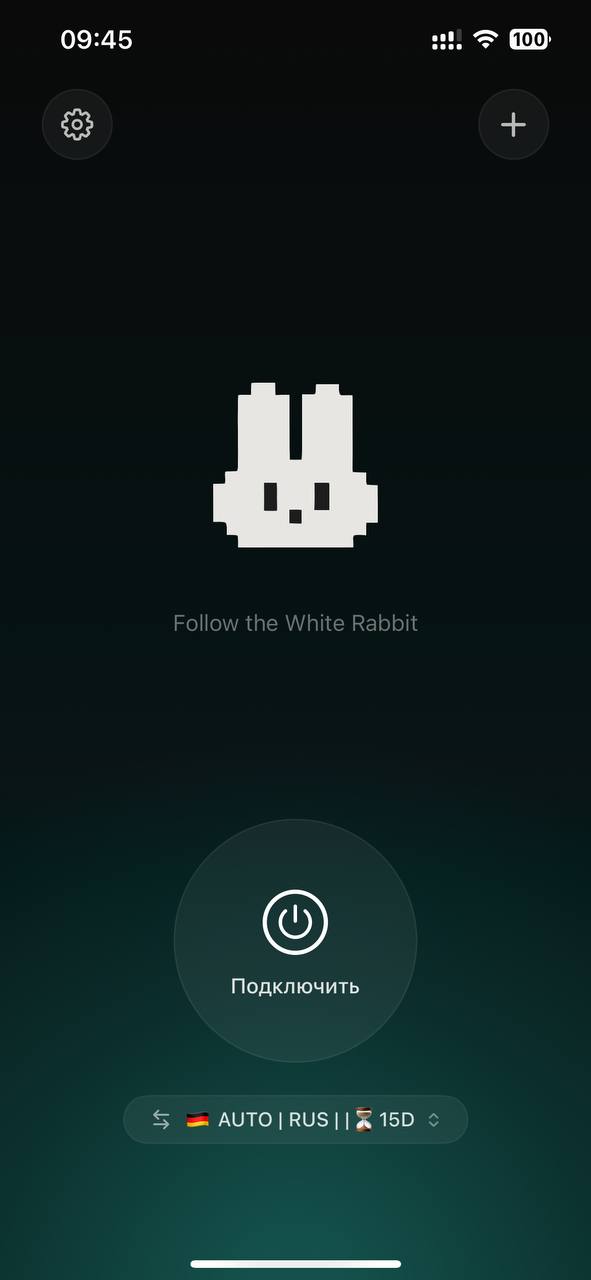
For the complete setup and troubleshooting, open the connection guide.